Remove white background
Remove a white background from any image
Turn a logo, drawing or design on white into a transparent PNG. Free with a Merchu account, and it works on black and coloured backgrounds too.


- Drop your imageA photo, a logo or a design. JPG, PNG, WebP or GIF.
- Create a free accountEmail or Google. 100 free tokens every month.
- Download the PNGTransparent, full size, ready for a shirt, a sticker or the web.
White, black or any solid colour
Real results from this tool, untouched. Drag across each one to see what came away.
- BeforeAfter
Illustration on white
A drawing on white, ready to go on a sticker or a shirt.
 BeforeAfter
Logo on white
White gone from around the logo and from inside the letters.
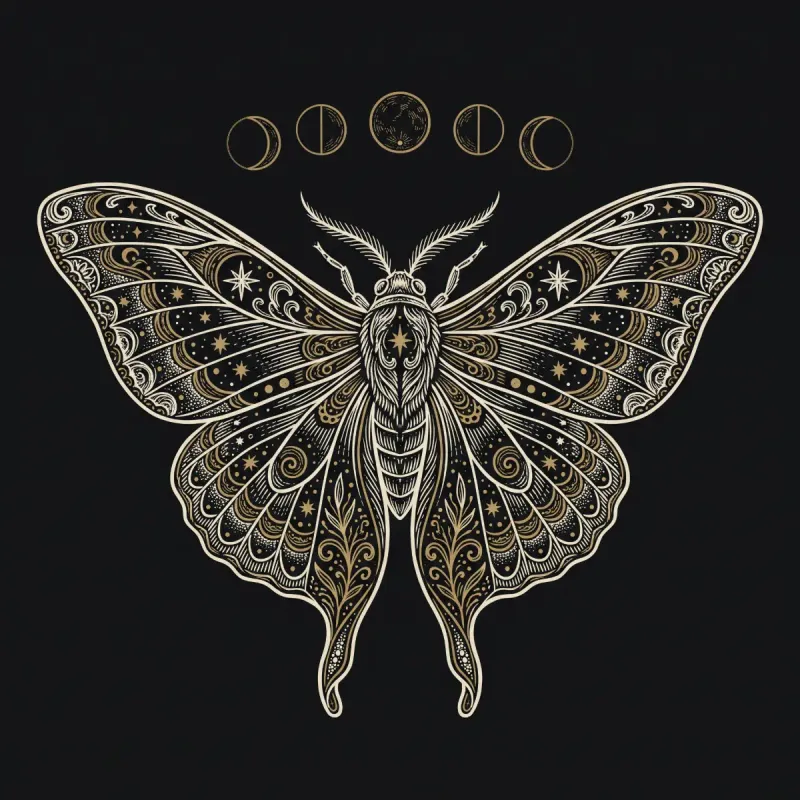 BeforeAfter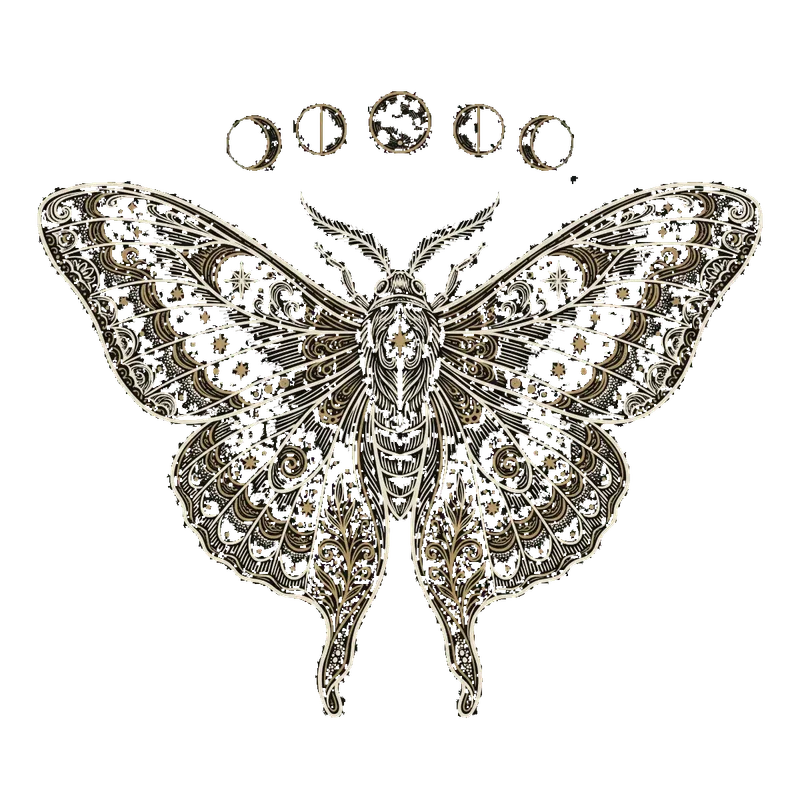
Artwork on black
Black works the same as white: any solid colour comes away.
 BeforeAfter
Badge on a colour
A badge taken off its teal background, edges and all.
The white inside the letters
A white background is rarely only around the design. It shows through the middle of every O, A and D, and between the lines of a drawing.
Remove solid colour takes the white away from around the artwork and leaves the inside alone, which is right when the white is part of the design. Remove all solid colour clears it everywhere, which is what text and logos on a coloured shirt need. The remover starts on that one.
Either way the edge is cleaned: the pale rim of pixels left between the artwork and the old background is peeled off, so it does not print as a white outline.
Cut for print, not just the screen
On screen, a soft pale rim round a cut-out is invisible. Printed on a dark shirt it comes out as a white outline. This is the cut Merchu uses for its own DTF transfers: the rim is peeled off and the edge kept crisp, so what you download prints the way it looks.
Ready to print? Put it on a gang sheet and we print it in Sheffield, posted the same working day when you order before 1:30pm.
See DTF transfer printing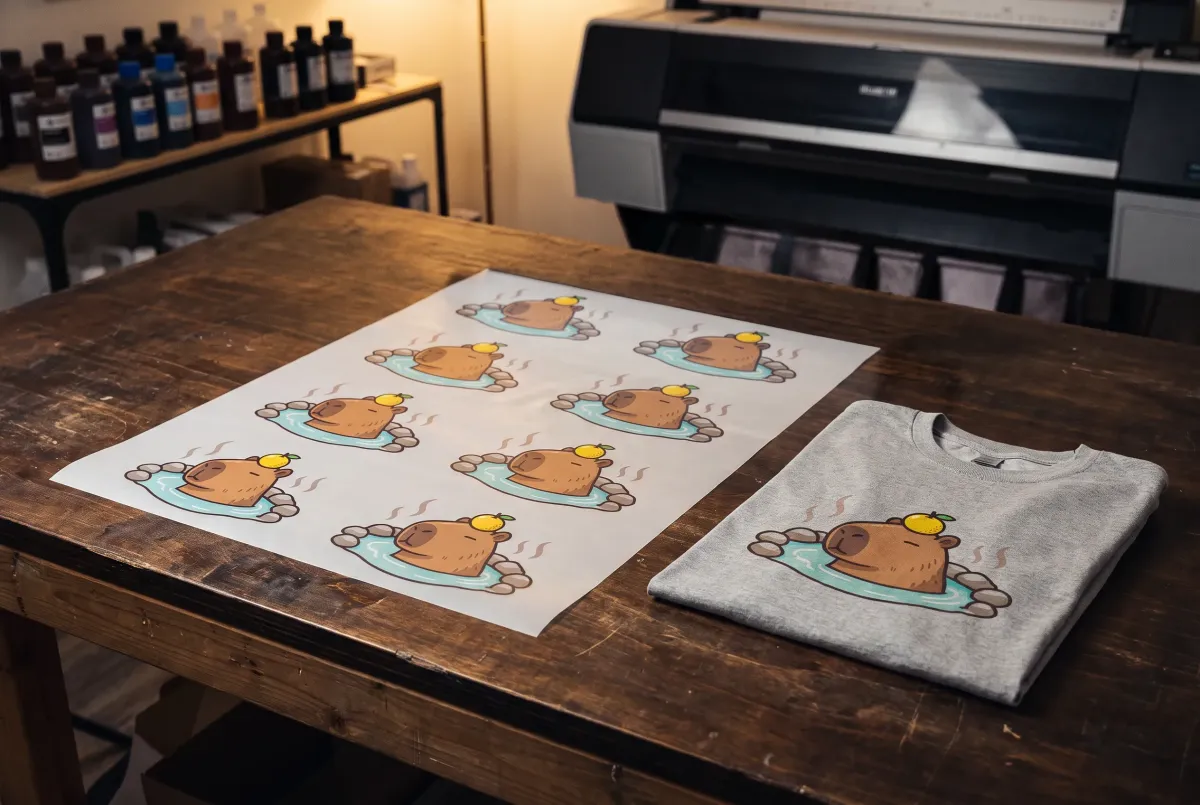
Removing a white background
- How do I remove a white background from an image?
- Drop the image in and create a free account. The white is removed straight away, and you download the result as a transparent PNG.
- Is it free?
- Yes. Removing a solid colour background is free with a Merchu account. Removing one with AI, for photos, uses 1 token, and a free account gets 100 tokens every month.
- Can it remove a black background?
- Yes. It works on any solid colour: white, black, or the colour behind a badge or a poster. It reads the background colour from the edge of your image.
- Will white parts of my design disappear?
- With Remove all solid colour, yes: it clears the background colour everywhere, including white that belongs to the design. Choose Remove solid colour to keep the white inside the artwork, or Remove with AI for a photo.
- My image is a JPG. Will the edges be clean?
- Yes. JPG compression smears the line between the artwork and its background, so for a JPG the cut uses wider settings and peels more of that rim away.
- Will it lose quality?
- No. The only thing that changes is the transparency: every pixel you keep is your own, not a redrawn copy. The PNG is the size of your image, up to 4096 pixels on the longest side.
- Can I print it on a t-shirt?
- Yes, that is what the cut is tuned for. Send it straight to a DTF gang sheet and we print it in Sheffield, posted the same working day when you order before 1:30pm.